
Make time forthe things you keepputting off.
Pick something you want to do. PadiMi fits it into your week around what’s already there.


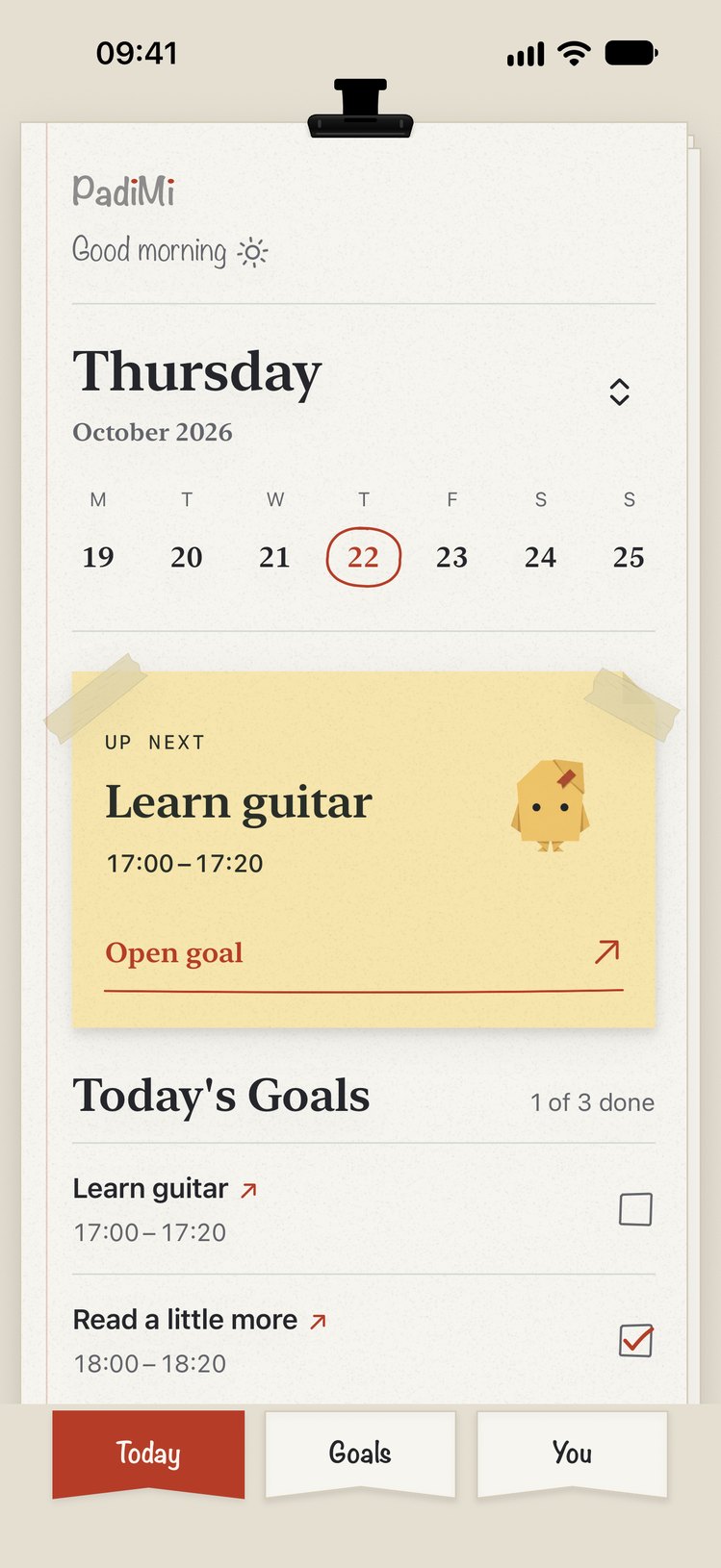
- Learn guitar
- Read before bed
- Run a 5k
- Practise Spanish
- Sketch on Sundays
- Call Grandma
- Write 300 words
- Stretch
- Bake bread
- Learn to code
- Play chess
- Journal
You meant to play guitar this week. Work ran late twice, and now it’s Sunday.
PadiMi would have booked it for Tuesday at 5:00 p.m..
How it works.
- 1
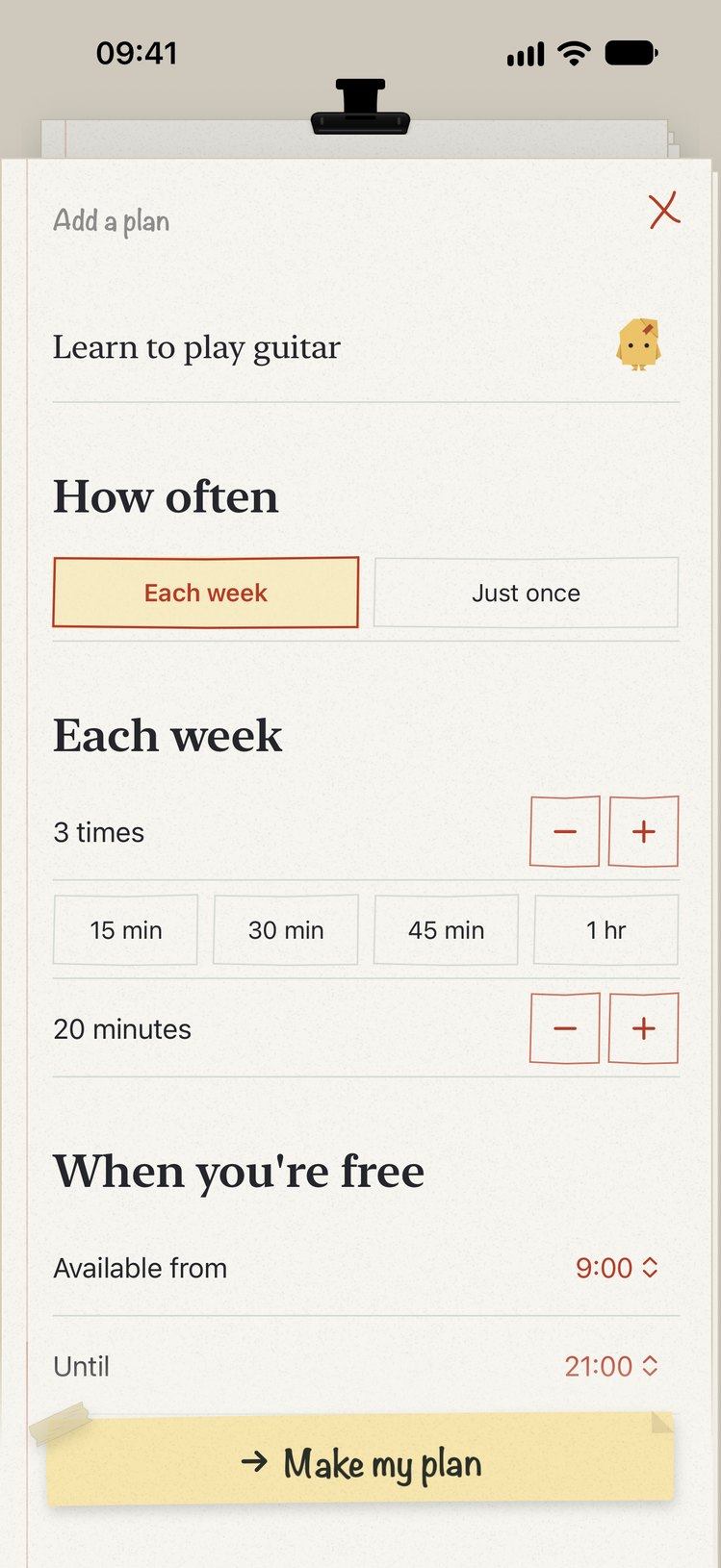
Name your goal.
Type what you want to do, then pick how often and for how long.
- 2
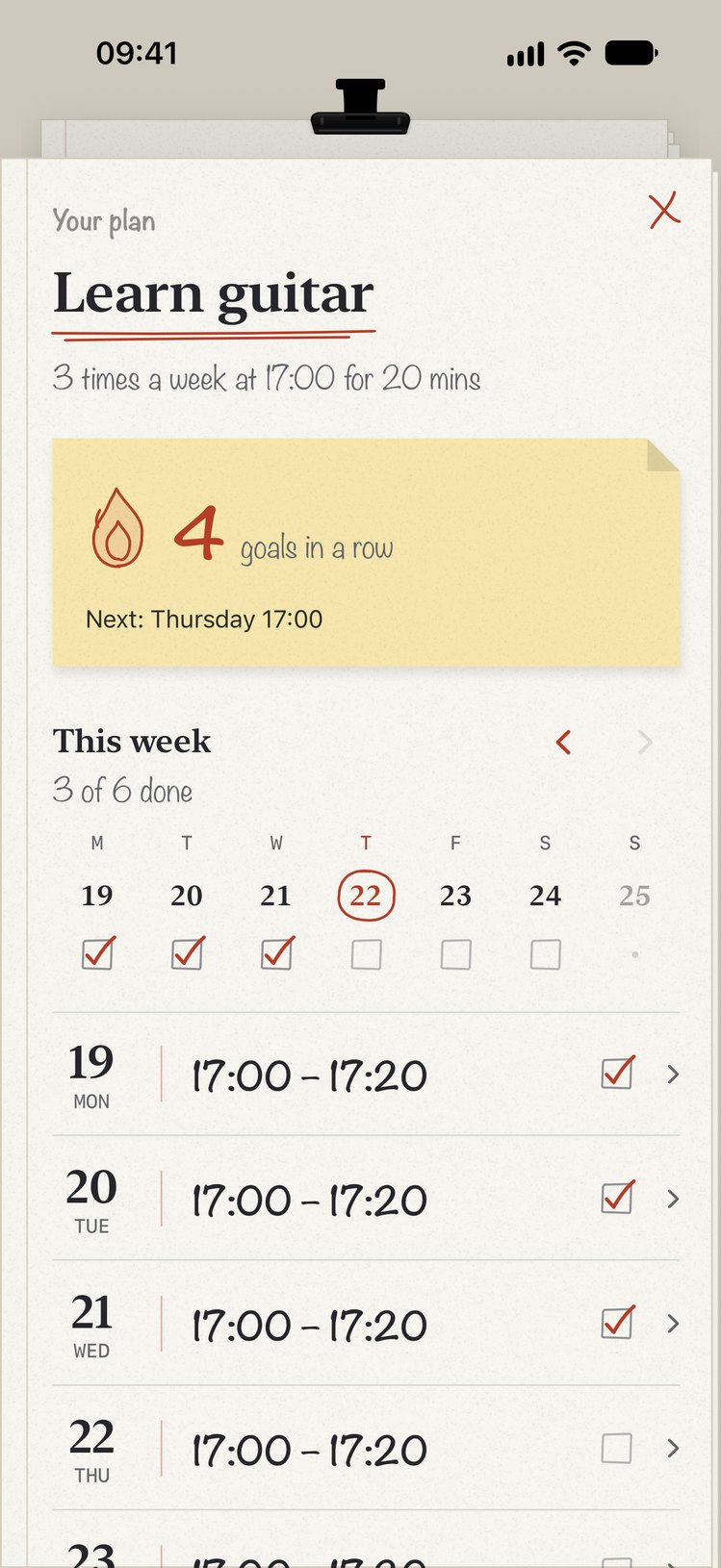
PadiMi plans your week.
It picks times inside the days and hours you set. Connect your calendar to keep those times clear of your events.
- 3
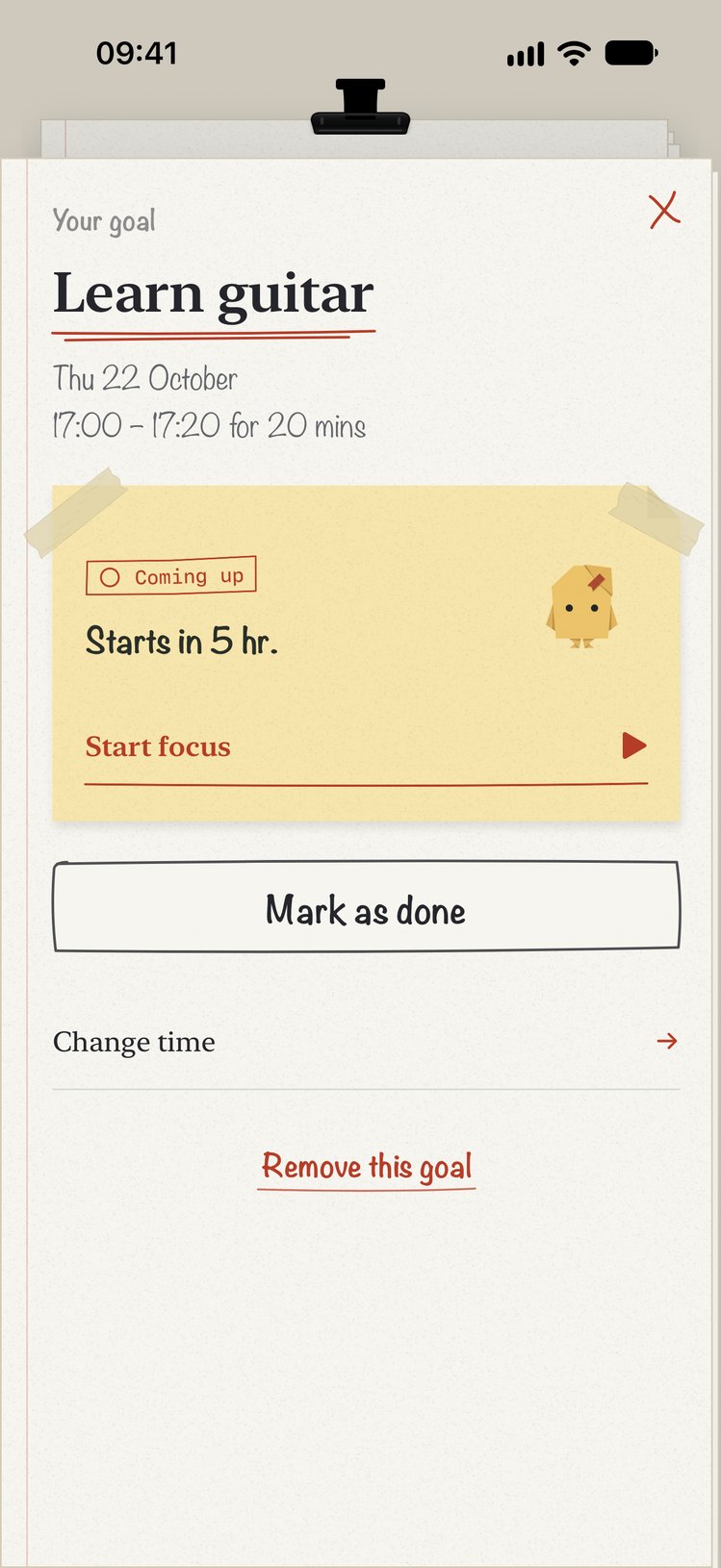
Do it, then check it off.
Start the focus timer when it’s time and check off the goal when you finish. If you’re running late, move it.
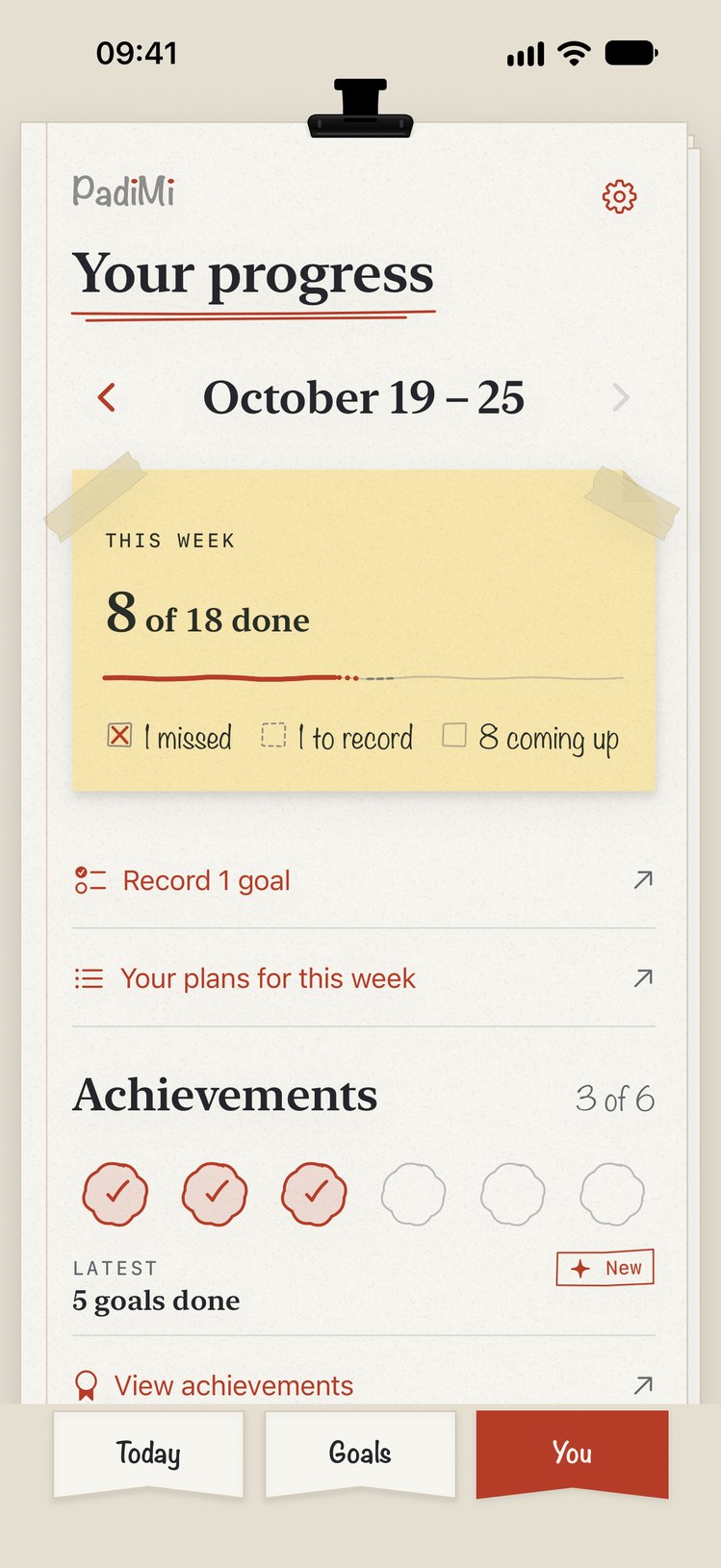
See your week.
Your week sits on one page: what you planned, what you did and what you missed. Badges mark your first plan, twenty goals done and coming back after two weeks away.
 First plan saved
 20 goals done
 Back at it
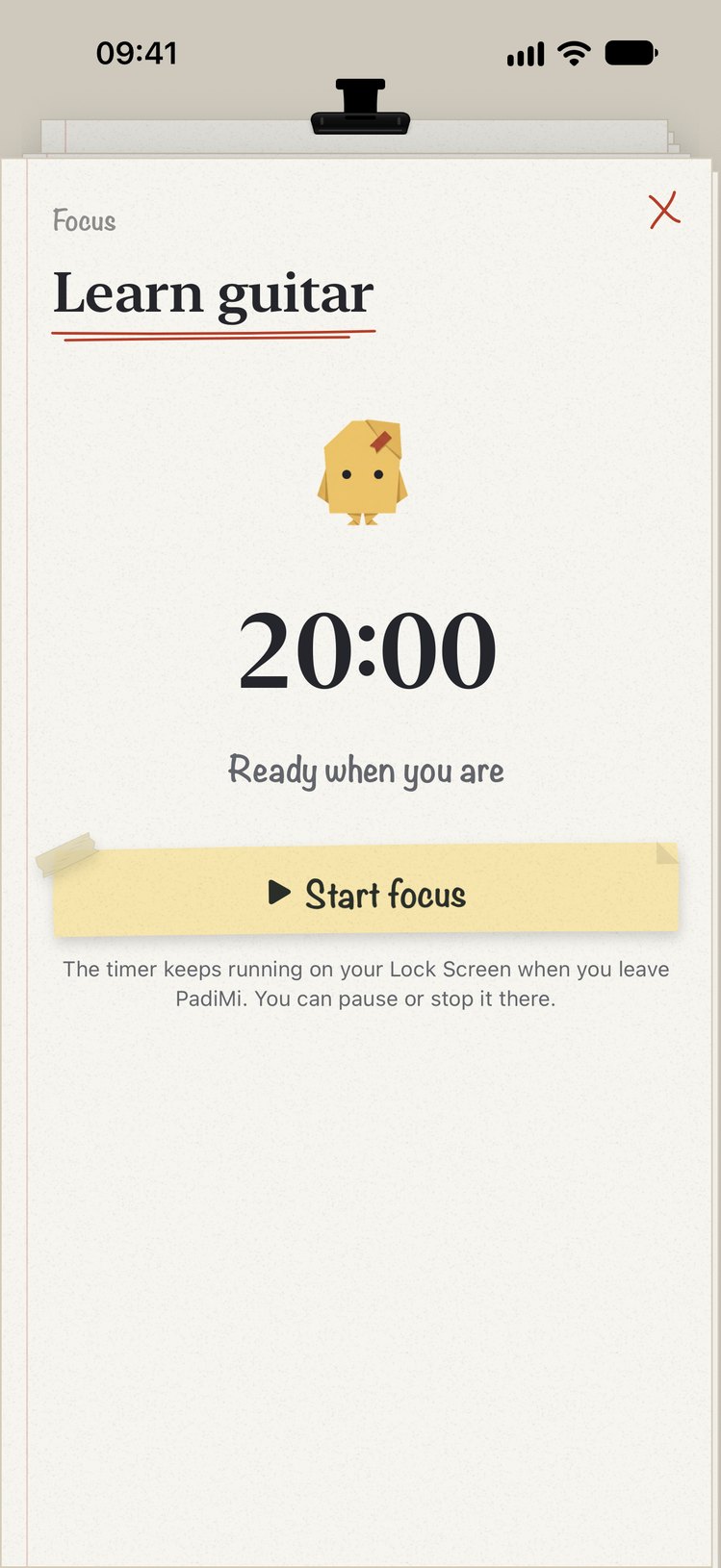
Focus for twenty minutes.
Start a timer from any goal.
- Timer on the Lock Screen
- Block apps you choose while it runs
- Mark it done when you finish
Meet Padi.
Padi is a paper companion who reacts to what you do: starting a timer, moving a session, finishing one.
Padi settles in while your timer runs.